Item tools
01Price Checker
Check an item directly from the game and keep current market information close to your gameplay.
Direct link #FreePATH OF EXILE 2 DESKTOP TOOLKIT
Overlays, economy tools, campaign support, regex builders, guides and quality-of-life utilities — brought together in one application.
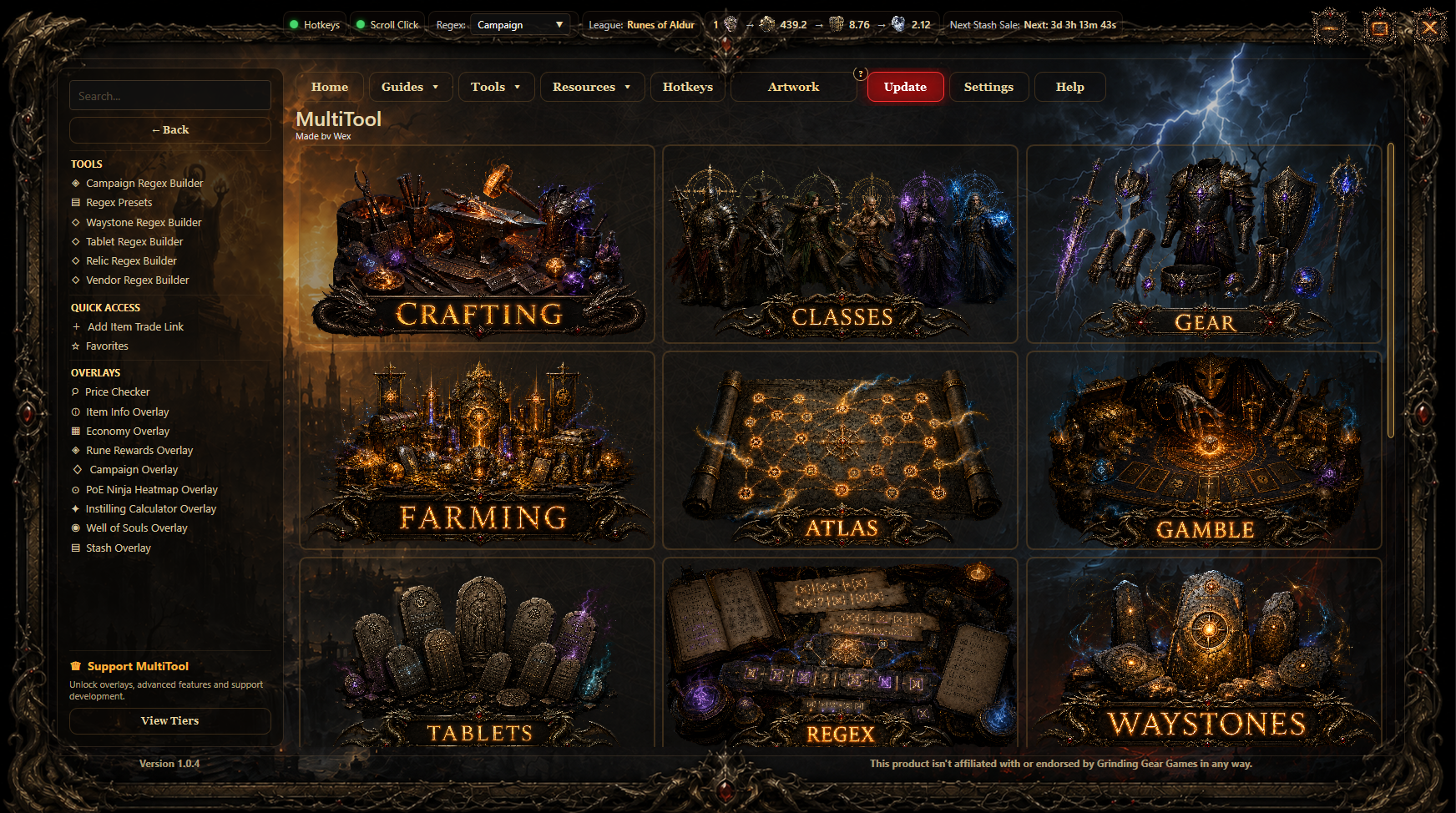
Real MultiTool interface — Artwork dashboard
REAL MULTITOOL FEATURES
Item tools
01Check an item directly from the game and keep current market information close to your gameplay.
Direct link #FreeItem tools
02Display practical item details in a compact overlay without leaving Path of Exile 2.
Direct link #FreeEconomy
03Browse league-aware currency values, compare the market and quickly access the economy data you use most.
Direct link #Premium Tier 1Overlays
04Review rune rewards in a dedicated overlay built for quick decisions during gameplay.
Direct link #Free
Overlays
05Open the class and ascendancy radial picker directly from MultiTool. The shortcut is configurable in Hotkeys and defaults to Shift+K.
Direct link #FreeCampaign
06Follow useful campaign information, locations and progression while keeping the game in focus.
Direct link #Premium Tier 2Economy
07Use economy data in a visual heatmap designed to surface useful market information quickly.
Direct link #Premium Tier 2Overlays
08Open your most useful MultiTool features from a fast radial selection wheel without leaving the game.
Direct link #FreeCrafting
09Support instilling and annoint decisions with a focused calculator available as an overlay.
Direct link #Free
Crafting
10Simulate PoE2 crafting steps inside MultiTool, test currency interactions and preview possible outcomes before committing resources in game.
Direct link #Premium Tier 2Overlays
11Dedicated assistance for the Well of Souls system in an easy-to-open overlay.
Direct link #Premium Tier 1Stash
12Keep useful stash information available while trading, organising and reviewing your items.
Direct link #FreeEconomy
13Analyse market opportunities, liquidity, price movement and potential profit directly from MultiTool.
Direct link #FreeStash
14Track and review the value of your selected stash inventory with league-aware pricing and clear summaries.
Direct link #FreeRegex
15Open and reuse your regex searches directly from a compact in-game overlay.
Direct link #FreeRegex
16Build specialised searches for Waystones, Tablets, Relics, vendors and campaign content.
Direct link #FreeCommunity
17Browse, create and join community services directly from MultiTool and quickly contact other players in game.
Direct link #FreeLoot
18Detect and review Ritual rewards quickly with icons and values kept ready in local cache.
Direct link #Premium Tier 2Trade
19Find meaningful item upgrades faster with MultiTool profiles and trade-aware upgrade searches.
Direct link #Premium Tier 3Quality of life
20Use configurable scroll-click behaviour for faster inventory and interface interactions.
Direct link #FreeTrade
21Create a direct trade link for an item and keep it available through MultiTool quick access.
Direct link #FreeDashboard
22Save frequently used tools, guides and resources so they are always one click away.
Direct link #FreeBuilds
23Open the official Path of Exile 2 Build Planner from the MultiTool workflow and keep build planning close to your other tools.
Direct link #FreeGetting started
24Learn the most useful shortcuts, workflows and small features that make MultiTool faster to use.
Direct link #FreeDashboard
25Choose dashboard modes, organise tiles and adapt the interface to the way you play.
Direct link #FreeINSIDE THE MAIN WINDOW
The dashboard goes beyond overlays. Its artwork tiles lead to specialised tools, guides, planners and external resources.
Regex builders, crafting references and practical search tools.

Class resources, build references and progression material.
Gear tools, item resources and equipment-focused guides.
Farming strategies, economy tools and useful references.
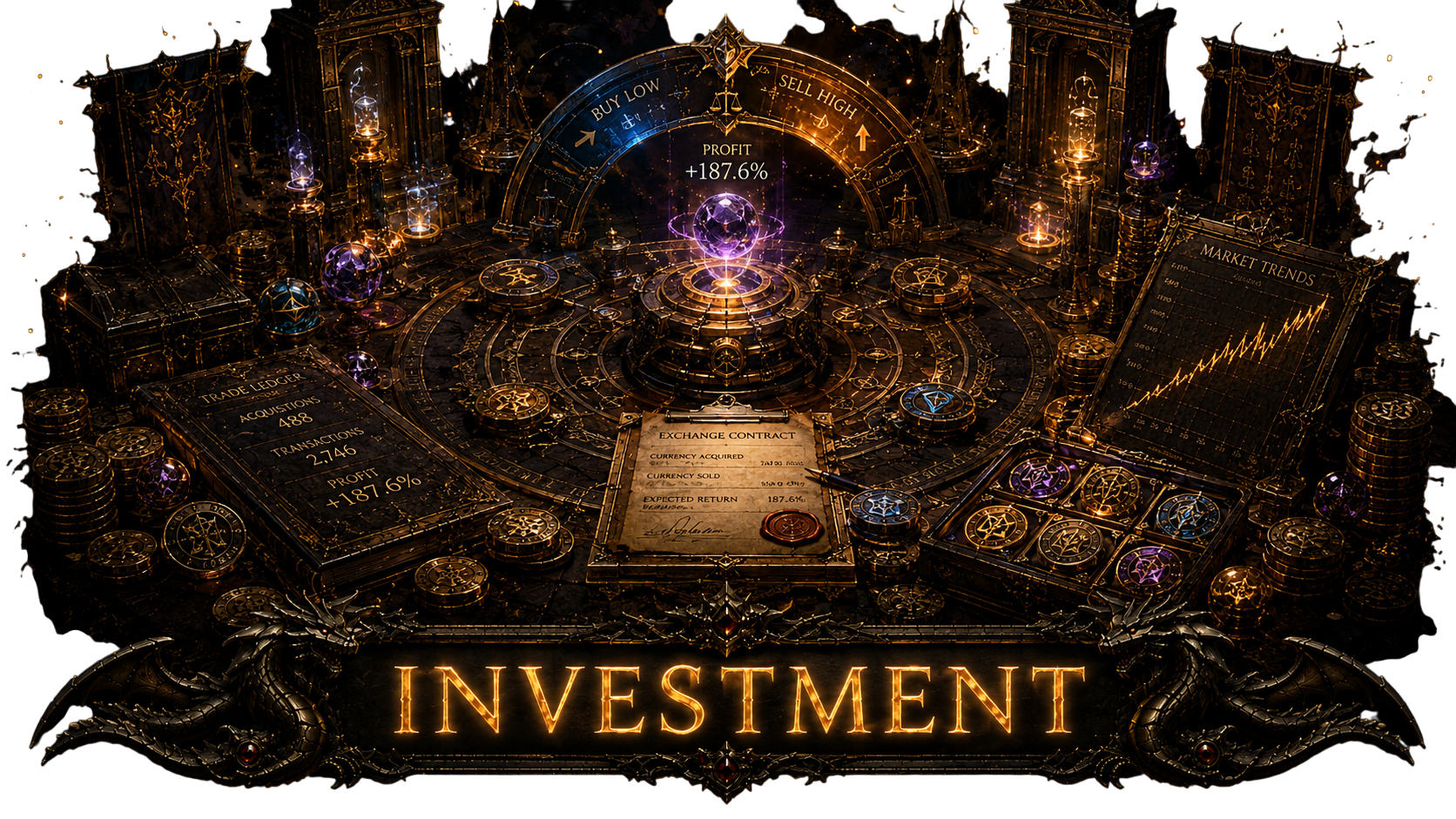
Market analysis, currency opportunities, liquidity and profit-focused tools.
Track selected stash inventory value and review your stored wealth at a glance.
Atlas planning, maps and endgame progression resources.

Gambling systems, rewards and value-focused utilities.
Tablet regex, references and endgame support.
Dedicated builders and reusable search presets.
Waystone searches, filters and mapping tools.
Build planners, imports and community resources.
Path of Building links and future integrated imports.
Alternative progression and leveling resources.
Trial guidance, progression and useful references.

Research tools and external knowledge sources.
Fast access to official Path of Exile resources.
Curated tools and community resources.
Cosmetic and account-related resources.
Community services, carries, rotations and player-to-player listings.
BUILT AROUND THE DASHBOARD
Search, switch categories, start overlays, open resources and keep frequently used tools close at hand.
VERIFIED COMMUNITY MARKETPLACE
Create a verified offer or request and publish it simultaneously to poe2mt.com, MultiTool and the matching Discord service channel.
Boss kills, progression clears and targeted encounters.
Create listing →Trial assistance, carries and completion services.
Create listing →Challenge completion groups and targeted help.
Create listing →Organise and join coordinated gold rotations.
Create listing →Host or join maps, encounters and farming sessions.
Create listing →Offer or request instilling-related services.
Create listing →Atlas progression, unlocks and completion support.
Create listing →Anything useful that does not fit another category.
Create listing →Fast leveling assistance for characters and alts.
Create listing →Campaign and act progression assistance.
Create listing →List complete builds and ready-to-play setups.
Create listing →List curated gear packages and equipment sets.
Create listing →
DOWNLOAD
The public installer contains the current Free Tier and the built-in update flow.
COMMUNITY & ACCESS
Get support, follow development and connect your Discord identity with MultiTool access.
Open Discord →PREMIUM ACCESS
Choose Patreon or Patronite to support development and unlock access according to your connected tier.
FAQ
The public installer includes the Free Tier. Additional features can be unlocked through Discord and Patreon verification.
Yes. PoE2 MultiTool is a Windows desktop application built with .NET and WPF.
No. The public installer installs the Free Tier only. Access is unlocked after account verification.
Yes. The website uses the real MultiTool interface and actual application assets.
MultiTool includes its own update flow, while the website serves the current public installer.
No. PoE2 MultiTool is independent and is not affiliated with or endorsed by Grinding Gear Games.